

Working from home is no longer temporary for most professionals. It has become a long-term lifestyle choice, and that means your workspace cannot be an afterthought. A thoughtfully designed home office setup directly influences your productivity, posture, focus levels, and even your mood throughout the day.
In this guide, I will walk you through practical work from home setup ideas that go beyond aesthetics. These ideas combine comfort, ergonomics, organization, and inspiration so you can build a productivity workspace that actually supports deep work.
Why Your Work From Home Setup Matters More Than You Think
Most people underestimate how much their physical environment affects cognitive performance. When your desk is cluttered, lighting is poor, or your chair causes discomfort, your brain constantly processes those distractions in the background.
A good work from home setup improves:
- Focus and concentration
- Physical comfort and posture
- Workflow efficiency
- Professionalism during video calls
- Long-term health and energy levels
Your workspace is not just furniture; it is a productivity system.
1. Minimalist Desk Setup for Deep Focus
A minimalist home office setup removes visual noise and creates mental clarity. When your desk holds only essential items, your brain spends less energy filtering distractions.
The goal is not to make it empty but intentional. Every object on your desk should serve a function.
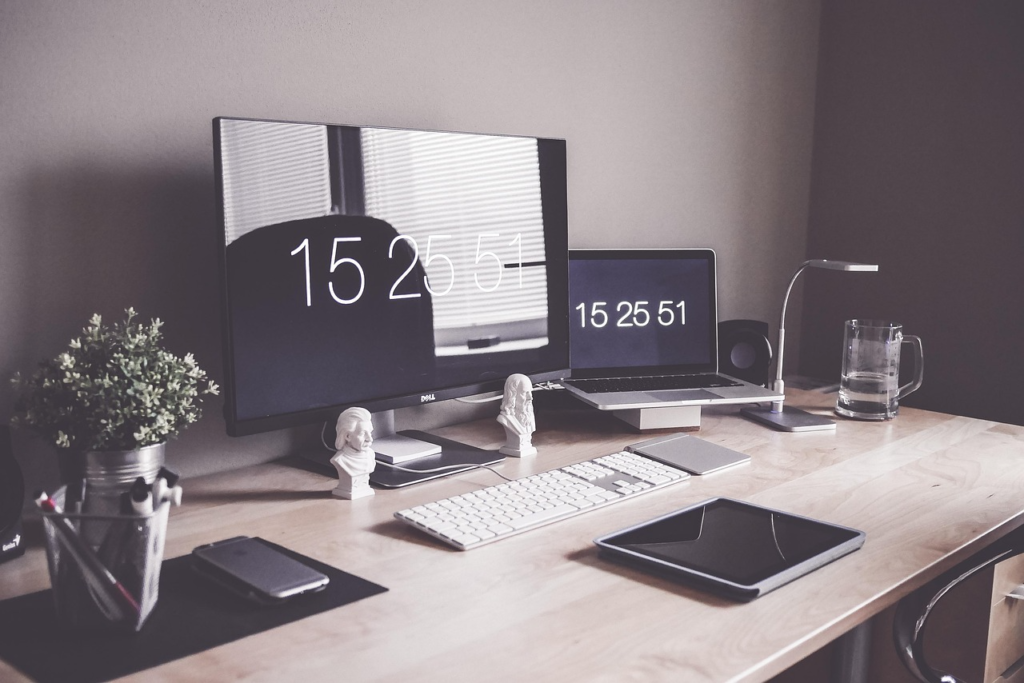
Key elements of a minimalist productivity workspace include:
- Clean desk surface with only laptop or monitor
- Wireless keyboard and mouse to reduce cable clutter
- Neutral color palette (white, beige, light wood)
- Single desk plant for subtle visual comfort
- Hidden cable management system
This setup works best for writers, coders, analysts, and anyone who needs long periods of uninterrupted focus.
2. Ergonomic Work From Home Setup for Long Hours
If you work more than six hours daily at your desk, ergonomics should be your top priority. Poor posture can lead to chronic neck, shoulder, and lower back pain, which ultimately reduces productivity.
An ergonomic home office setup ensures your body is aligned naturally while you work.
Essential ergonomic components include:
- Adjustable office chair with lumbar support
- Desk height aligned with elbow level
- Monitor at eye level to prevent neck strain
- Footrest if feet don’t sit flat on the floor
- External keyboard and mouse for laptop users
This setup is ideal for remote employees, freelancers, and entrepreneurs who spend extended hours on screen-based tasks.
3. Budget Work From Home Setup Ideas
You do not need an expensive office renovation to create an efficient workspace. Many productivity workspace improvements are affordable and practical.
A budget-friendly home office setup focuses on smart prioritization rather than premium aesthetics.
Cost-effective improvements include:
- Using a sturdy dining table as a temporary desk
- Investing first in a quality chair instead of decorative items
- Adding a laptop stand to improve posture
- Using LED desk lamps for proper lighting
- DIY wall shelves for vertical storage
Even a small corner of your room can become an effective productivity hub if organized strategically.
4. Small Space Home Office Inspiration
Not everyone has a dedicated room for work. Many professionals work from bedrooms, living rooms, or studio apartments. The key is creating a defined workspace even in limited square footage.
A small work from home setup should feel separate from your relaxation space to avoid blending work and personal life.
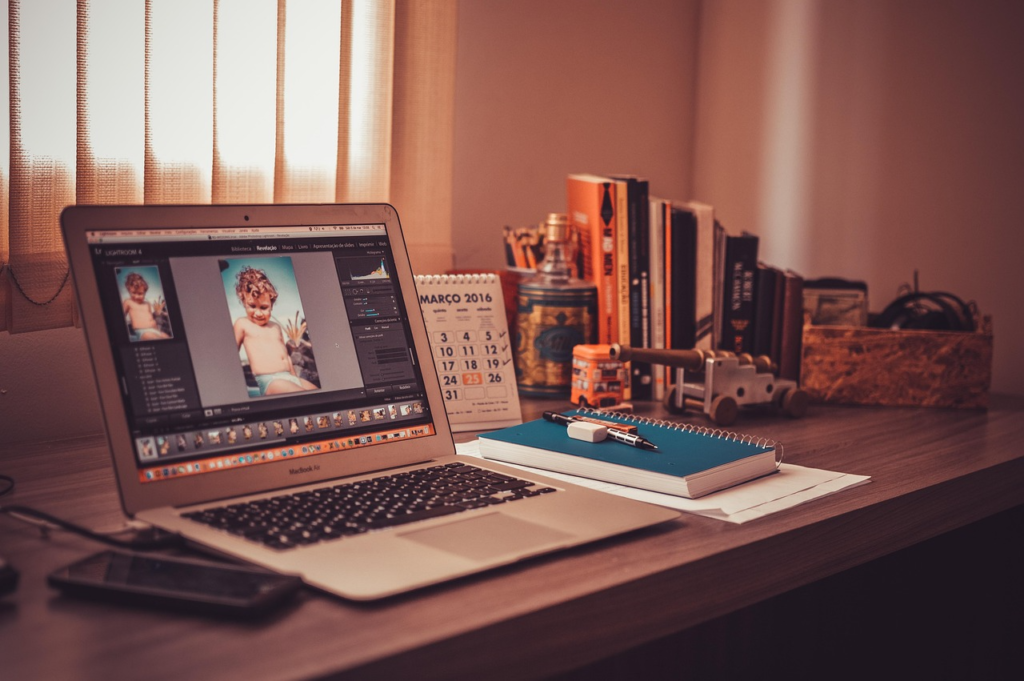
Smart small-space ideas include:
- Wall-mounted foldable desks
- Floating shelves above the desk
- Vertical pegboards for accessories
- Slim desks placed against windows
- Using room dividers or curtains to create boundaries
This approach is especially helpful for students, remote employees in apartments, and digital nomads.
5. Dual Monitor Setup for Productivity
If your work involves multitasking, research, design, trading, coding, or content editing, a dual monitor setup can dramatically increase efficiency.
Instead of constantly switching between tabs, you can dedicate screens to specific tasks, which reduces mental friction.
A productive dual monitor setup typically includes:
- Two monitors of similar size for visual consistency
- Adjustable monitor arms for flexibility
- Proper cable routing to maintain clean aesthetics
- A desk deep enough to maintain correct viewing distance
This setup is ideal for professionals who rely heavily on data, documents, or editing software.
6. Lighting Ideas for a Productive Workspace
Lighting is one of the most overlooked aspects of a home office setup. Poor lighting causes eye strain and fatigue, while proper lighting enhances mood and alertness.
Your work from home setup should ideally combine natural and artificial light strategically.
Effective lighting elements include:
- Desk positioned near a window for natural daylight
- Adjustable desk lamp for focused task lighting
- Warm ambient lighting for evening work
- LED light strips for aesthetic background during video calls
- Avoiding overhead glare directly above the monitor
Good lighting does more than illuminate your desk; it shapes your entire work experience.
7. Aesthetic Home Office Setup for Motivation
An inspiring workspace can subtly boost motivation and creativity. While productivity is the primary goal, aesthetics play a psychological role in how you feel about work.
Aesthetic home office inspiration often includes personal touches without overwhelming functionality.
Common elements include:
- Framed art or motivational prints
- Coordinated color theme (monochrome or earthy tones)
- Indoor plants for freshness
- Clean bookshelf for structure
- Matching desk accessories
The idea is to build a space you genuinely enjoy sitting in every morning.
8. Tech-Optimized Work From Home Setup
Technology can significantly enhance your efficiency when integrated thoughtfully. A tech-optimized workspace reduces friction and improves workflow speed.
This type of setup focuses on practical upgrades that streamline daily tasks.
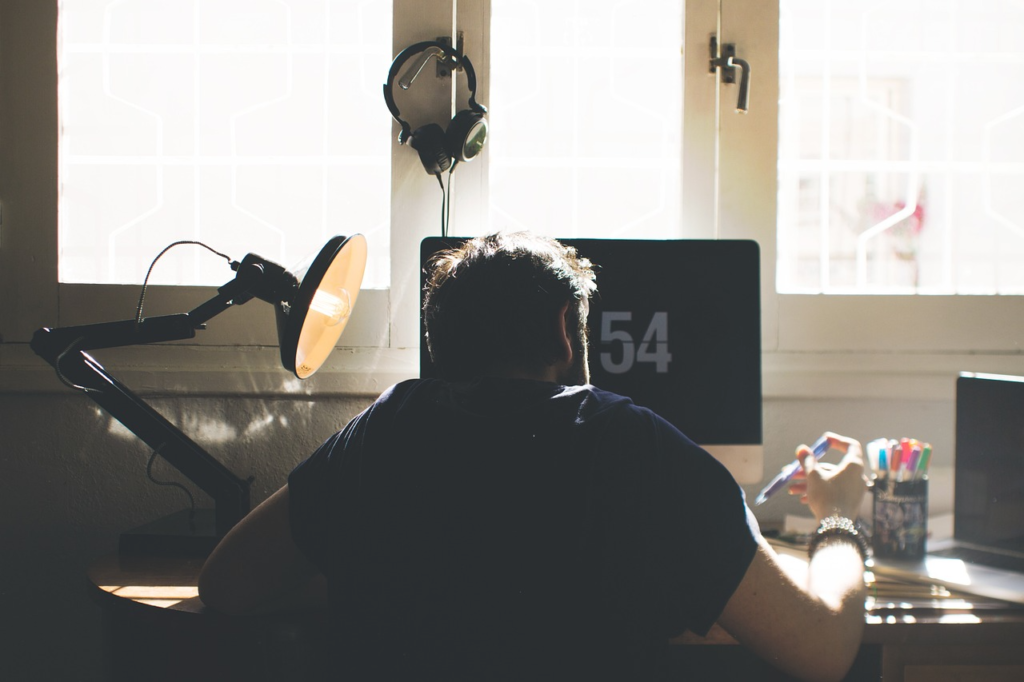
Important tech additions include:
- Noise-canceling headphones for focus
- High-quality webcam for professional meetings
- USB-C docking station for seamless connectivity
- Mechanical keyboard for typing comfort
- Surge protector and cable management system
These tools transform a basic desk into a professional-grade productivity station.
9. Standing Desk Setup for Energy and Health
Standing desks have become increasingly popular among remote workers. Alternating between sitting and standing can improve circulation and reduce back discomfort.
A standing work from home setup should be implemented carefully to avoid fatigue.
Essential components include:
- Adjustable height desk
- Anti-fatigue standing mat
- Proper monitor alignment at eye level
- Gradual transition schedule between sitting and standing
This setup works best for professionals who want long-term health benefits alongside productivity.
10. Work From Home Setup for Video Calls and Remote Meetings
In 2026, remote work is not just about getting tasks done quietly. A large part of professional life happens on video calls, client meetings, webinars, and virtual collaborations. Your work from home setup should support a strong on-camera presence without requiring a full studio investment.
A well-designed video call workspace improves lighting, sound clarity, and background professionalism. Even subtle adjustments can dramatically elevate how you appear during meetings.
Important elements for a video-ready setup include:
- Neutral or clean background without clutter
- Soft front-facing lighting to eliminate harsh shadows
- External HD webcam positioned at eye level
- Noise-canceling microphone or headset for clear audio
- Slightly elevated laptop stand for better posture
When your video setup looks polished, you naturally feel more confident and professional. That psychological boost alone can improve performance during important meetings.
11. Creative Work From Home Setup for Designers and Content Creators
Creative professionals often need a workspace that supports both focus and inspiration. Designers, video editors, photographers, and content creators benefit from a setup that allows visual thinking while maintaining technical efficiency.
A creative productivity workspace should balance performance hardware with stimulating visual elements. Too much minimalism can feel sterile, while too much decoration can become distracting.
Core elements for creative professionals include:
- Large color-accurate monitor for design and editing
- Graphic tablet or stylus support if required
- Adjustable lighting for photography or video recording
- Wall-mounted inspiration board or mood board
- Sufficient desk depth for equipment placement
This setup encourages both structured productivity and imaginative exploration. When tools are easily accessible and the environment feels intentional, creative flow improves naturally.
12. Work From Home Setup for Students
Students studying remotely or attending online classes need a focused yet comfortable workspace. Unlike corporate professionals, students often work in shared spaces or bedrooms, which makes structure even more important.
A student-friendly home office setup should prioritize posture, concentration, and minimal distraction. The goal is to create a “study zone” that mentally signals learning mode.
Key components for students include:
- Compact desk that fits small rooms
- Ergonomic but budget-friendly chair
- Desk lamp with adjustable brightness
- Organized stationery storage
- Dedicated charging area for devices
Even a small desk positioned near natural light can significantly improve concentration and academic performance.
13. Cable Management Ideas for a Clean Productivity Workspace
Nothing destroys the aesthetic and efficiency of a workspace faster than tangled cables. Messy wiring not only looks chaotic but also adds friction when switching devices or troubleshooting connectivity issues.
Cable management may seem minor, but it contributes heavily to mental clarity and professional presentation.
Practical cable management ideas include:
- Cable clips attached under desk edges
- Velcro ties to group related wires
- Cable sleeves to hide multiple wires
- Mounted power strip under the desk
- Wireless peripherals to reduce clutter
A clean desk surface leads to a cleaner mental workspace. Removing physical distractions often improves cognitive flow more than people expect.
14. Adding Plants to Your Home Office Setup
Indoor plants are not just decorative. They subtly improve mood and create a sense of freshness in indoor environments. A productivity workspace that includes greenery often feels calmer and more inviting.
You do not need to turn your desk into a garden. One or two well-placed plants are enough to create visual softness.
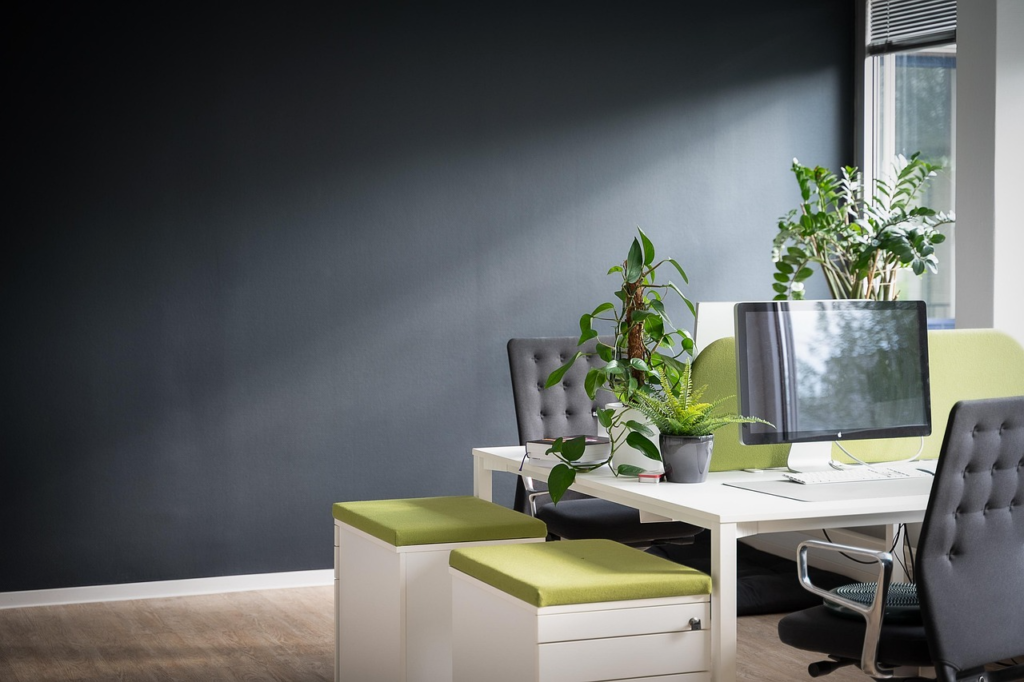
Good plant choices for workspaces include:
- Snake plant for low maintenance
- Pothos for trailing shelf decoration
- Small succulents for desk corners
- Peace lily for subtle elegance
Natural elements reduce the harshness of screens and artificial lighting, which can make long working hours feel less draining.
15. Color Psychology in a Work From Home Setup
Color plays a subtle yet powerful role in how you feel while working. While bold colors may look attractive online, they can become overstimulating in daily use. A carefully chosen palette enhances focus and emotional balance.
Neutral tones combined with one accent color often work best for productivity workspaces.
Recommended color strategies include:
- Soft white or beige walls for brightness
- Light wood tones for warmth
- Muted green accents for calmness
- Charcoal or matte black for contrast
Your goal is to create an environment that feels stable, grounded, and supportive rather than chaotic.
16. Multi-Purpose Home Office Setup in Shared Spaces
Many people share living spaces with family members or roommates. In such cases, a work from home setup must be adaptable and respectful of shared environments.
A multi-purpose workspace should be easy to assemble, disassemble, or visually separate.
Smart shared-space strategies include:
- Foldable desks that can be stored away
- Storage boxes to hide work materials after hours
- Noise-isolating headphones
- Clear daily setup and shutdown routine
When work boundaries are clearly defined, it becomes easier to mentally disconnect at the end of the day.
17. Productivity Accessories That Make a Real Difference
While large furniture pieces are important, small accessories often create the biggest productivity gains. These additions fine-tune your workflow and reduce daily friction.
Strategic accessories for a productivity workspace include:
- Desk organizer trays for frequently used items
- Digital clock to maintain time awareness
- Whiteboard or planner for visual task tracking
- Wrist rest for typing comfort
- Monitor light bar to reduce eye strain
These upgrades may seem minor individually, but together they dramatically enhance work comfort and organization.
18. Creating a Morning Reset Routine for Your Workspace
A productive work from home setup is not only about furniture; it is also about habits. Starting your day with a quick workspace reset can mentally prepare you for focused work.
Spending five minutes organizing your desk, wiping surfaces, and reviewing tasks builds psychological momentum. This small ritual reinforces discipline and signals your brain that it is time to switch into work mode.
Over time, this habit transforms your home office from a passive space into an intentional productivity zone.
Final Thoughts on Building the Perfect Work From Home Setup
The best work from home setup ideas are not about copying Pinterest aesthetics or buying expensive furniture. They are about designing a workspace that aligns with your work style, physical comfort, and daily routine.
When you intentionally build your productivity workspace, you reduce friction, protect your health, and improve focus. Even small upgrades like better lighting or improved posture can compound into significant long-term benefits.
Remote work is not temporary anymore. Treat your workspace like a long-term investment in your performance and well-being.
Frequently Asked Questions
Many people researching work from home setup ideas have similar concerns about space, cost, and efficiency. Addressing these common questions improves clarity and search visibility.


Pingback: Low Investment AI Side Hustles for Beginners in 2026 - Copyescape
Pingback: Beginner’s Guide to Online Writing in 2026 - Copyescape